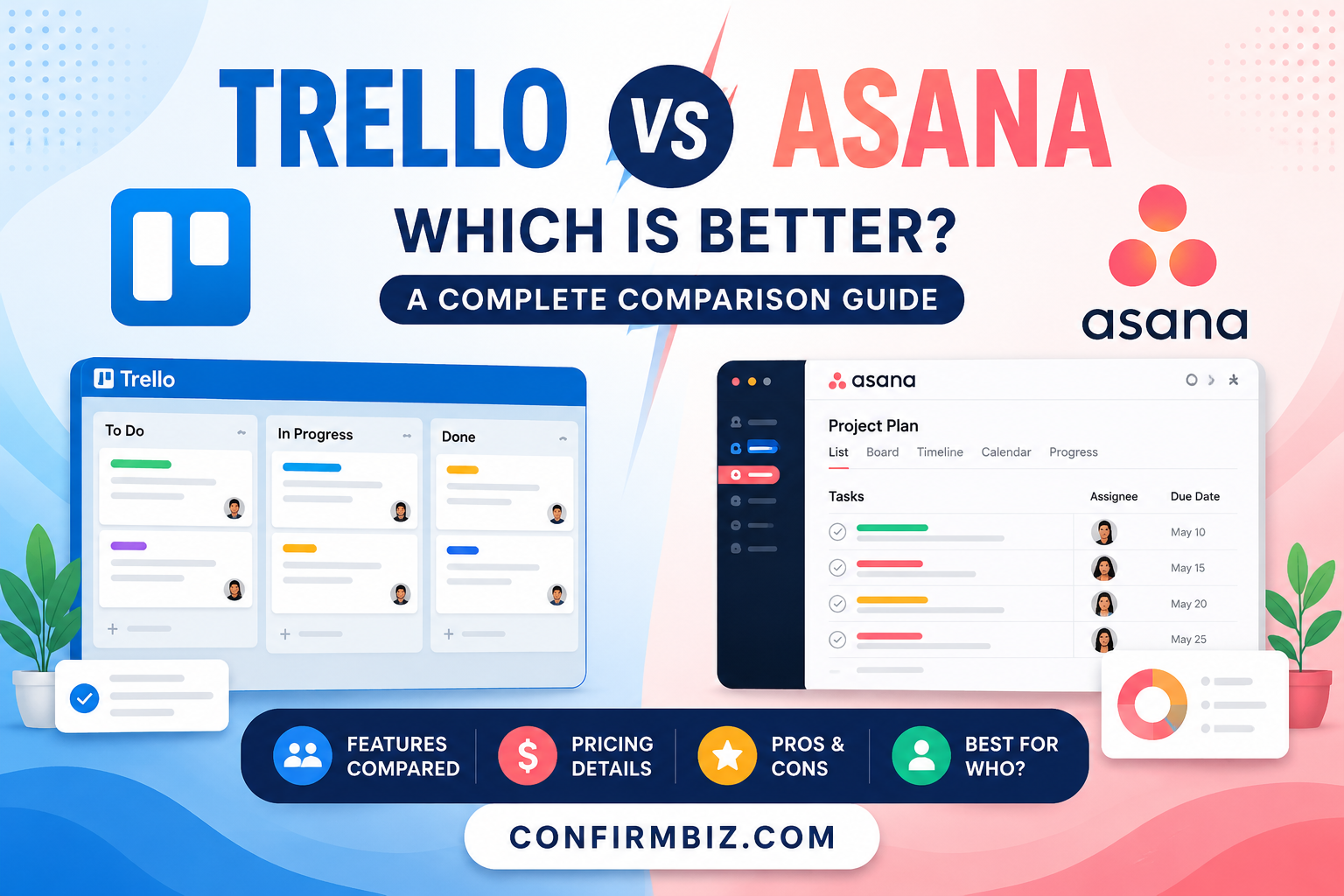
Trello vs Asana: Which Is Better for Project Management in 2026?
Introduction
Managing projects efficiently has become one of the biggest challenges for businesses, freelancers, startups, and remote teams. Whether you are organizing a personal to-do list or handling a large business workflow, having the right project management software can significantly improve productivity and collaboration.
Two of the most popular tools dominating the project management industry today are Trello and Asana. Both platforms are designed to help users organize tasks, manage projects, track progress, and collaborate with team members. However, each tool has its own strengths, weaknesses, and ideal use cases.
Trello is known for its simple Kanban-style boards that make project tracking visual and easy to understand. On the other hand, Asana provides advanced project management features, workflow automation, reporting, and task tracking tools suitable for larger teams and complex projects.
In this detailed Trello vs Asana comparison guide, we will examine their features, pricing, ease of use, collaboration tools, automation capabilities, integrations, pros and cons, and who should use each platform. By the end of this article, you will know exactly which project management tool is best for your needs.
Trello vs Asana Comparison Table
| Feature | Trello | Asana |
|---|---|---|
| Best For | Simple task management | Advanced project management |
| Ease of Use | Very beginner-friendly | Moderate learning curve |
| Project Views | Kanban boards | List, Board, Timeline, Calendar |
| Task Automation | Built-in Butler automation | Advanced workflow automation |
| Team Collaboration | Good | Excellent |
| Reporting & Analytics | Limited | Advanced reporting |
| Customization | Moderate | High |
| Free Plan | Yes | Yes |
| Mobile App | Excellent | Excellent |
| Integrations | 200+ Power-Ups | 300+ integrations |
| Pricing | More affordable | Slightly expensive |
| Best For Teams | Small teams | Medium to large teams |
Overview of Trello
Trello is a visual project management tool based on the Kanban board system. It allows users to create boards, lists, and cards to organize tasks and workflows. Trello is widely appreciated for its simplicity and clean interface.
The platform is ideal for freelancers, students, startups, and small businesses that need an easy way to manage projects without overwhelming complexity.
Key Highlights of Trello
- Simple drag-and-drop interface
- Kanban-style task organization
- Easy collaboration features
- Power-Ups for added functionality
- Affordable pricing plans
- Fast setup process
Overview of Asana
Asana is a powerful work management platform designed for teams and organizations handling complex workflows and large projects. Unlike Trello, Asana offers multiple project views, detailed reporting, advanced automation, and goal tracking features.
It is especially useful for companies that require structured workflows, cross-team collaboration, and advanced productivity management.
Key Highlights of Asana
- Multiple project views
- Advanced task management
- Workflow automation
- Detailed reporting and analytics
- Goal tracking
- Excellent collaboration tools
Trello vs Asana: Head-to-Head Comparison
1. User Interface and Ease of Use
Trello is one of the easiest project management tools available today. Its visual drag-and-drop board system makes it extremely beginner-friendly. Users can quickly create lists and cards without any technical knowledge.
Asana, while user-friendly, has a steeper learning curve because of its extensive features and advanced options. Beginners may take some time to fully understand task dependencies, timelines, and workflow settings.
Winner: Trello
If simplicity and ease of use are your priorities, Trello wins this category.
2. Task Management Features
Trello focuses mainly on board-based task management. Each task appears as a card that can include comments, attachments, due dates, labels, and checklists.
Asana offers more advanced task management tools such as subtasks, dependencies, milestones, recurring tasks, workload management, and project timelines.
Winner: Asana
Asana is more suitable for handling large and complicated projects.
3. Project Views
Trello mainly relies on Kanban boards. While this system works well for visual task tracking, it lacks flexibility compared to Asana.
Asana offers multiple project views including:
- List View
- Board View
- Timeline View
- Calendar View
- Gantt-style planning
Winner: Asana
Asana provides greater flexibility for different work styles.
4. Collaboration Tools
Both Trello and Asana provide excellent collaboration features such as comments, file sharing, mentions, notifications, and team communication.
However, Asana goes further by offering workload tracking, project goals, team dashboards, and advanced permission settings.
Winner: Asana
5. Automation Features
Trello includes automation through Butler, allowing users to automate repetitive actions such as moving cards and sending notifications.
Asana provides more sophisticated workflow automation, including rule-based triggers, approval workflows, and integrations with external automation tools.
Winner: Asana
6. Integrations
Trello supports Power-Ups that connect the platform with tools like Slack, Google Drive, Dropbox, Jira, and Zoom.
Asana also integrates with hundreds of applications including Microsoft Teams, Salesforce, Adobe Creative Cloud, Slack, Zoom, and Google Workspace.
Winner: Asana
7. Reporting and Analytics
Trello has basic reporting tools but lacks advanced analytics unless you use third-party integrations.
Asana includes dashboards, progress tracking, reporting tools, and team performance analytics.
Winner: Asana
8. Pricing Comparison
Trello Pricing
- Free Plan: Available
- Standard Plan: Around $5 per user/month
- Premium Plan: Around $10 per user/month
- Enterprise Plan: Custom pricing
Asana Pricing
- Free Plan: Available
- Starter Plan: Around $10.99 per user/month
- Advanced Plan: Around $24.99 per user/month
- Enterprise: Custom pricing
Pricing may change depending on region and billing cycle.
Winner: Trello
Trello is more affordable for individuals and small teams.
Trello Key Features
- Kanban Boards
- Drag-and-Drop Interface
- Custom Labels
- Task Checklists
- Due Dates
- Team Collaboration
- Mobile Accessibility
- Power-Ups and Integrations
- Automation with Butler
- Custom Backgrounds and Themes
Asana Key Features
- Multiple Project Views
- Workflow Automation
- Timeline Management
- Task Dependencies
- Advanced Reporting
- Goal Tracking
- Custom Templates
- Portfolio Management
- Team Workload Monitoring
- Integration Support
Pros and Cons of Trello
Pros of Trello
- Very easy to use
- Excellent visual task management
- Affordable pricing
- Great free version
- Quick setup process
- Ideal for beginners
Cons of Trello
- Limited advanced project management features
- Less suitable for large organizations
- Limited reporting capabilities
- Can become cluttered for complex workflows
Pros and Cons of Asana
Pros of Asana
- Powerful project management features
- Excellent collaboration tools
- Advanced workflow automation
- Multiple project views
- Detailed analytics and reporting
- Scalable for growing businesses
Cons of Asana
- Steeper learning curve
- More expensive than Trello
- Can feel overwhelming for beginners
- Advanced features require paid plans
Who Should Use Trello?
Trello is best suited for:
- Freelancers
- Students
- Small businesses
- Content creators
- Personal productivity management
- Simple team collaboration
- Beginners in project management
If you want a lightweight and easy-to-understand tool for organizing tasks visually, Trello is an excellent option.
Who Should Use Asana?
Asana is best suited for:
- Medium and large businesses
- Remote teams
- Marketing agencies
- Software development teams
- Organizations with complex workflows
- Teams needing detailed reporting
- Businesses managing multiple projects
If your team requires advanced workflow management and scalability, Asana is the better choice.
Trello vs Asana for Different Use Cases
For Beginners
Trello is easier for beginners due to its visual simplicity and minimal setup process.
For Large Teams
Asana is better because of its advanced collaboration and reporting features.
For Freelancers
Trello works exceptionally well for solo users and freelancers.
For Agencies
Asana offers more structured project tracking and client workflow management.
For Content Planning
Trello is excellent for editorial calendars and content pipelines.
For Enterprise Management
Asana provides enterprise-level scalability and productivity tools.
Performance and Mobile Experience
Both Trello and Asana offer excellent mobile applications for Android and iOS users. The apps allow users to manage tasks, communicate with teams, receive notifications, and track progress on the go.
Trello’s mobile app is slightly simpler and easier to navigate, while Asana’s app includes more advanced functionality.
Security and Data Protection
Both platforms provide strong security measures including:
- Two-factor authentication
- Encrypted data transmission
- Admin controls
- Permission settings
- Cloud backups
Asana provides more enterprise-level security features for larger organizations.
Alternatives to Trello and Asana
If Trello or Asana do not meet your needs, you can also consider:
- Monday.com
- ClickUp
- Notion
- Jira
- Basecamp
- Wrike
- Microsoft Planner
Final Verdict: Trello vs Asana — Which Is Better?
Choosing between Trello and Asana ultimately depends on your workflow, team size, and project complexity.
Choose Trello if:
- You want simplicity
- You prefer visual Kanban boards
- You are a beginner
- You need affordable task management
- You manage smaller projects
Choose Asana if:
- You need advanced project management
- You manage multiple teams
- You require reporting and analytics
- You need workflow automation
- You handle complex business operations
Overall, Trello is perfect for simplicity and personal productivity, while Asana is the stronger choice for professional teams and scalable project management.
Frequently Asked Questions (FAQ)
Is Trello better than Asana?
Trello is better for simplicity and visual task management, while Asana is better for advanced project management and team collaboration.
Is Trello free?
Yes, Trello offers a free plan with basic features suitable for individuals and small teams.
Does Asana have a free version?
Yes, Asana provides a free plan for small teams with limited advanced features.
Which tool is easier to use?
Trello is generally easier to learn and use compared to Asana.
Which is better for businesses?
Asana is usually better for medium and large businesses due to its advanced workflow and reporting features.
Can Trello handle complex projects?
Trello can manage complex projects to some extent, but Asana is better equipped for advanced project management needs.
Does Asana support automation?
Yes, Asana includes advanced automation and workflow rules.
Conclusion
Both Trello and Asana are excellent productivity and project management tools, but they cater to different audiences. Trello excels in simplicity, visual organization, and ease of use, making it ideal for beginners and small teams. Asana, however, stands out with powerful workflow management, advanced collaboration, reporting, and scalability for professional organizations.
Before choosing a platform, consider your project complexity, team size, budget, and workflow preferences. Testing both free plans can also help you determine which tool aligns best with your productivity goals.
For most individuals and small teams, Trello provides a smooth and affordable experience. For growing businesses and larger organizations, Asana offers the advanced capabilities needed for efficient project execution and team coordination.
For more tips on Trello vs Asana and other important business tools, check out our business tool category Click here to read more.
Have any thoughts?
Share your reaction or leave a quick response — we’d love to hear what you think!
-
 1
1
-
 0
0
-
 0
0
-
 0
0
-
 0
0
-
 0
0