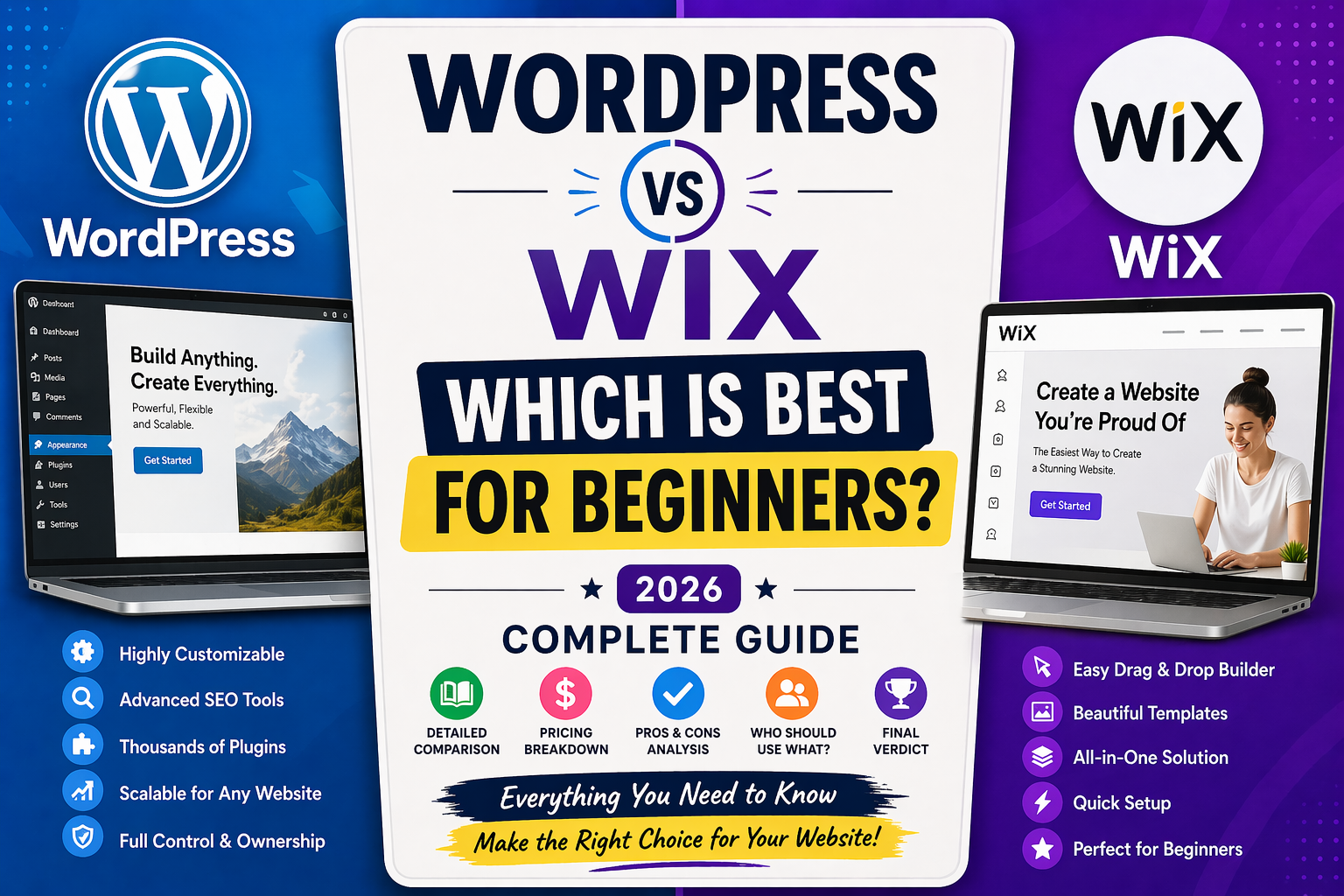
WordPress vs Wix: Which is Best for Beginners in 2026? (Complete Guide)
Introduction
Starting a website today is easier than ever, but choosing the right platform can still feel overwhelming—especially for beginners. Whether you’re launching a blog, business website, portfolio, or online store, the platform you choose will affect your design, performance, SEO, and long-term growth.
Two of the most popular website-building platforms are WordPress and Wix. Both are powerful, widely used, and beginner-friendly in different ways. However, they take very different approaches when it comes to website creation.
WordPress offers complete flexibility and control, while Wix focuses on simplicity and ease of use. So, which one should you choose?
In this detailed 2026 guide, we break down everything you need to know about WordPress vs Wix—including features, pricing, SEO, ease of use, and long-term scalability—to help you make the best decision.
Tools Overview
What is WordPress?
WordPress is an open-source content management system (CMS) that powers over 40% of all websites on the internet. It allows users to create and manage websites with complete freedom and flexibility.
There are two versions of WordPress:
- WordPress.org – Self-hosted version (recommended)
- WordPress.com – Hosted version with limitations
With WordPress.org, you need to purchase hosting and a domain name, but in return, you get full control over your website.
What is Wix?
Wix is a cloud-based website builder designed for beginners. It offers an all-in-one solution that includes hosting, templates, security, and design tools.
Its standout feature is the drag-and-drop editor, which allows users to build websites visually without coding.
Wix is ideal for users who want to create a website quickly without dealing with technical setup.
Full Comparison Table
| Feature | WordPress | Wix |
|---|---|---|
| Ease of Use | Moderate (learning curve) | Very easy (drag-and-drop) |
| Customization | Unlimited flexibility | Limited customization |
| Hosting | Required separately | Included |
| Design Options | 10,000+ themes | 800+ templates |
| SEO Capabilities | Advanced and powerful | Good but limited |
| Pricing | Flexible | Subscription-based |
| Scalability | Excellent | Moderate |
| Maintenance | User-managed | Automatic |
| eCommerce | WooCommerce integration | Built-in store features |
Head-to-Head Comparison
1. Ease of Use
Wix clearly wins when it comes to ease of use. Its drag-and-drop builder allows you to design your site visually without touching code. You can move elements anywhere on the page, making it perfect for beginners.
WordPress, on the other hand, has a steeper learning curve. While modern page builders have made it easier, beginners still need to understand hosting, themes, and plugins.
Verdict: Wix is better for absolute beginners.
2. Flexibility and Customization
WordPress is unmatched in flexibility. You can customize every aspect of your website using themes, plugins, and custom code.
Wix provides customization, but within limits. You cannot fully modify backend functionality like you can with WordPress.
Verdict: WordPress wins for flexibility.
3. Performance and Speed
Wix handles performance optimization automatically. This makes it reliable without requiring technical knowledge.
WordPress performance depends on your hosting provider and optimization. With the right setup, WordPress can be faster than Wix.
Verdict: Tie (depends on setup).
4. SEO Capabilities
WordPress is widely considered the best platform for SEO. With plugins like Yoast SEO or Rank Math, you can optimize every aspect of your site.
Wix has improved its SEO features significantly, offering tools like SEO guides and meta tag customization. However, it still lacks the depth of WordPress.
Verdict: WordPress wins.
5. Security
Wix handles all security for you, including updates and protection.
WordPress requires you to manage security manually through plugins and updates.
Verdict: Wix is easier and safer for beginners.
Key Features
WordPress Key Features
- Open-source platform
- Full control over website files
- Massive plugin ecosystem
- Advanced blogging tools
- Highly scalable
- eCommerce with WooCommerce
- Custom code support
Wix Key Features
- Drag-and-drop builder
- All-in-one hosting solution
- AI website builder (Wix ADI)
- Pre-designed templates
- Built-in SEO tools
- App marketplace
- Automatic updates
Pros and Cons
WordPress Pros
- Unlimited customization
- Best SEO capabilities
- Scalable for any project
- Large community and support
- Full ownership of your site
WordPress Cons
- Learning curve for beginners
- Requires hosting setup
- Manual maintenance needed
- Can become complex
Wix Pros
- Extremely easy to use
- No technical setup required
- Fast website creation
- All-in-one platform
- Great for small projects
Wix Cons
- Limited customization
- Less powerful SEO tools
- Harder to scale
- Template lock (cannot switch easily)
Pricing
WordPress Pricing Breakdown
WordPress itself is free, but costs include:
- Hosting: $3 – $15/month
- Domain name: $10 – $15/year
- Premium themes: $30 – $100 (optional)
- Plugins: Free to premium ($0 – $200/year)
Total estimated cost: $50 – $200/year (basic site)
Wix Pricing Plans
- Free Plan (with ads)
- Combo Plan: ~$10/month
- Unlimited Plan: ~$15/month
- Business Plans: $20 – $30/month
Total estimated cost: $120 – $360/year
Key Insight: WordPress can be cheaper but requires setup. Wix is more predictable but costs more over time.
Who Should Use It?
Choose WordPress if:
- You want full control over your website
- You plan to grow or monetize your site
- You care about advanced SEO
- You are willing to learn technical basics
- You want long-term scalability
Choose Wix if:
- You are a complete beginner
- You want a quick website setup
- You don’t want to manage hosting or security
- You need a simple website
- You prefer a visual editor
Final Verdict
Both WordPress and Wix are excellent platforms—but they serve different types of users.
If you want simplicity, speed, and ease of use, Wix is the better choice for beginners.
However, if you are serious about building a long-term website, growing traffic, and maximizing SEO, WordPress is the better investment.
Final Recommendation:
- Wix: Best for beginners and quick websites
- WordPress: Best for growth, SEO, and flexibility
For more tips on WordPress vs Wix for beginners and other business tools tips, check out our business tools category Click here to read more.
Frequently Asked Questions (FAQ)
Is WordPress better than Wix for beginners?
Wix is easier for beginners, but WordPress becomes better as your skills grow.
Which platform is better for SEO?
WordPress offers more advanced SEO tools and control, making it better for ranking on search engines.
Can I switch from Wix to WordPress later?
Yes, but migration can be complex and may require manual work or professional help.
Is Wix free forever?
Yes, Wix offers a free plan, but it includes ads and limited features.
Do professionals use Wix?
Yes, but most large businesses and professional bloggers prefer WordPress due to its scalability.